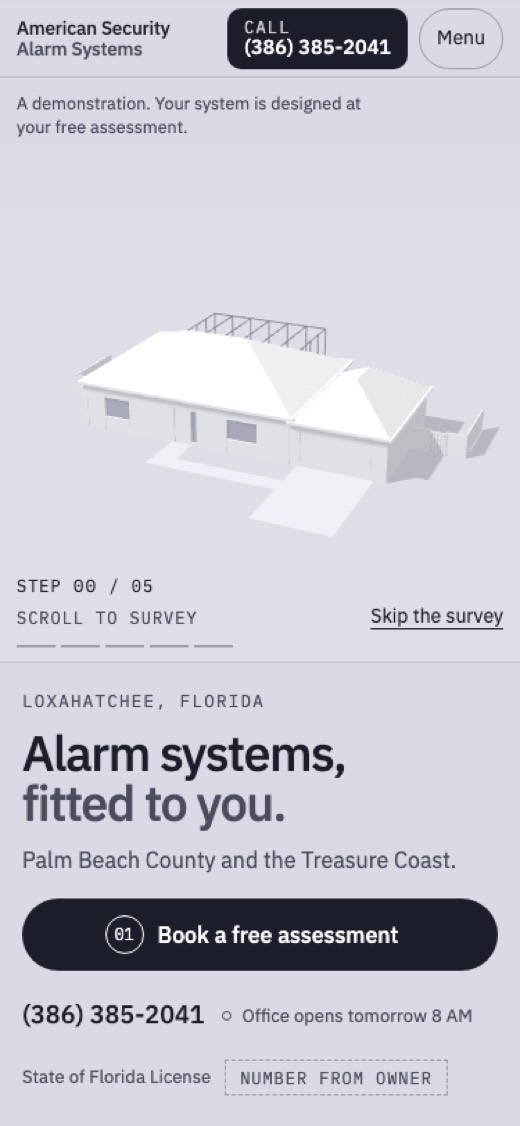
The Survey
A clay model of a South Florida house sits in morning fog, and scrolling runs the company's own five install steps on it: the openings get numbered, the zones get drawn, the devices drop into place, the panel lights, and one line rises to monitoring.
Try it: Scroll. The house turns through the five install steps.
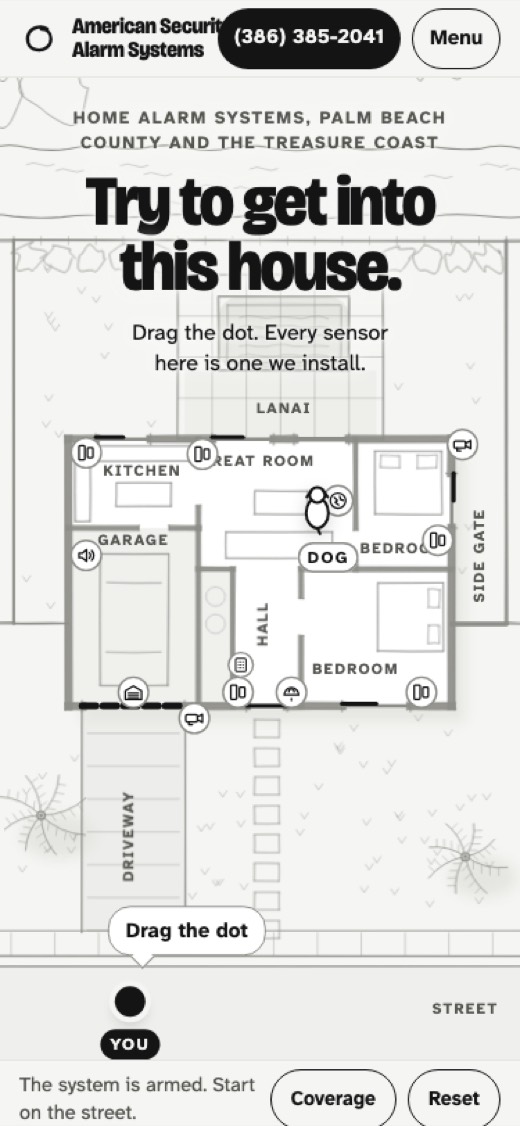
Try the House
The first screen dares you to get into a pencil-drawn Florida house: you drag a dot from the street, the driveway camera sees you, the door contact trips, the siren rings out in red pencil, and the page keeps a log of every sensor that caught you.
Try it: Drag the dot from the street toward the house.
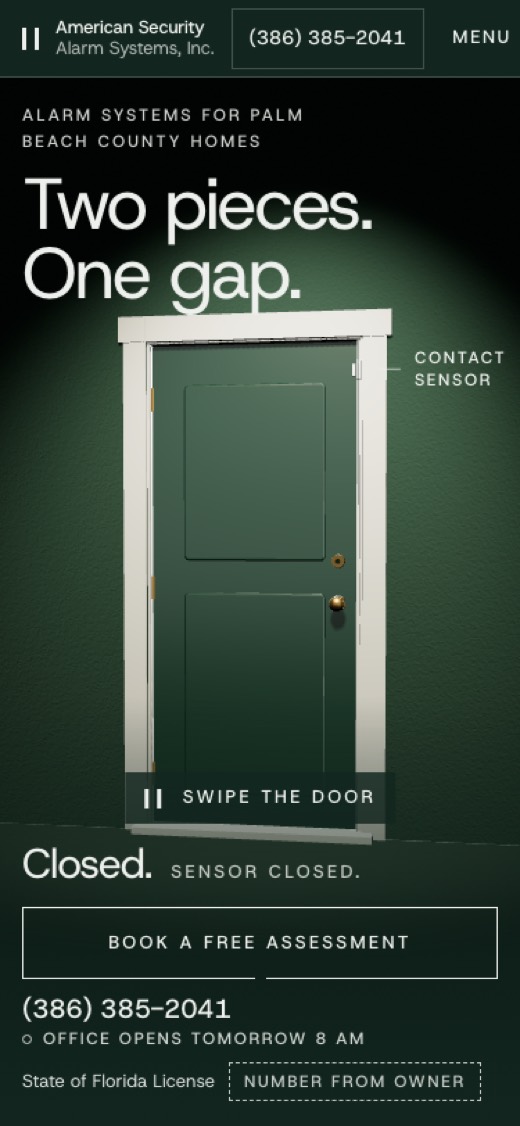
The Gap
One lacquered front door, lit like a product in a dark green room: swipe it open and the two-piece sensor on the frame parts by a hair, the word changes to 'Open.', and every gap mark on the page widens with it.
Try it: Swipe the door open.
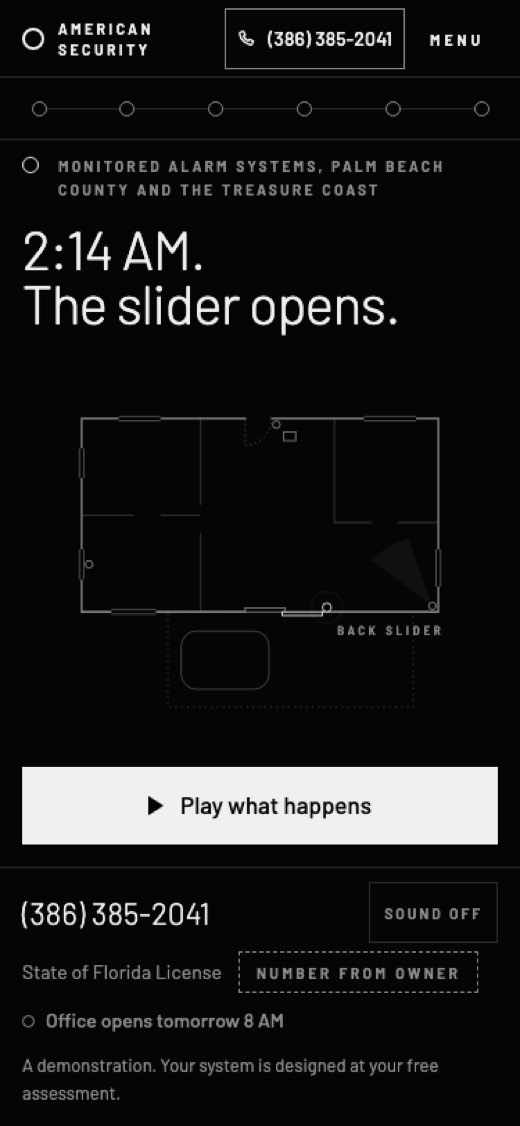
2:14 AM
A black letterboxed screen says '2:14 AM. The slider opens.', and one tap plays the real Florida alarm sequence: siren, signal, your phone ringing, and you choose to answer or let it ring, so you learn exactly when police are called.
Try it: Tap Play, then choose Answer or Let it ring.
After Hours
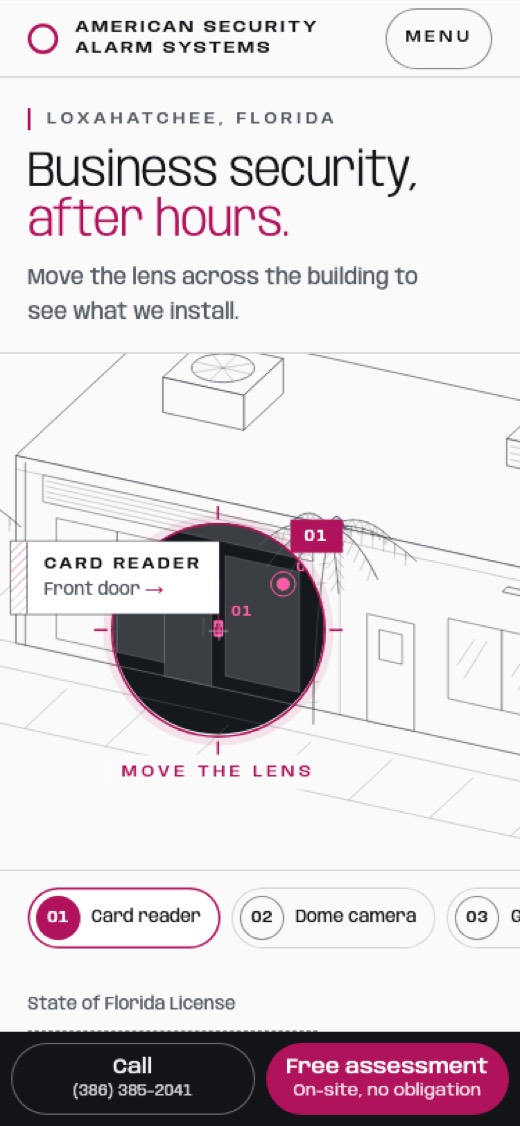
For business owners: a fine graphite drawing of a shop, office and rear warehouse door in daylight, and a lens that follows your pointer shows the same building after hours, dark inside, with the card readers, plate camera and badge doors lit in magenta.
Try it: Drag the lens over the building.
Hold to Arm
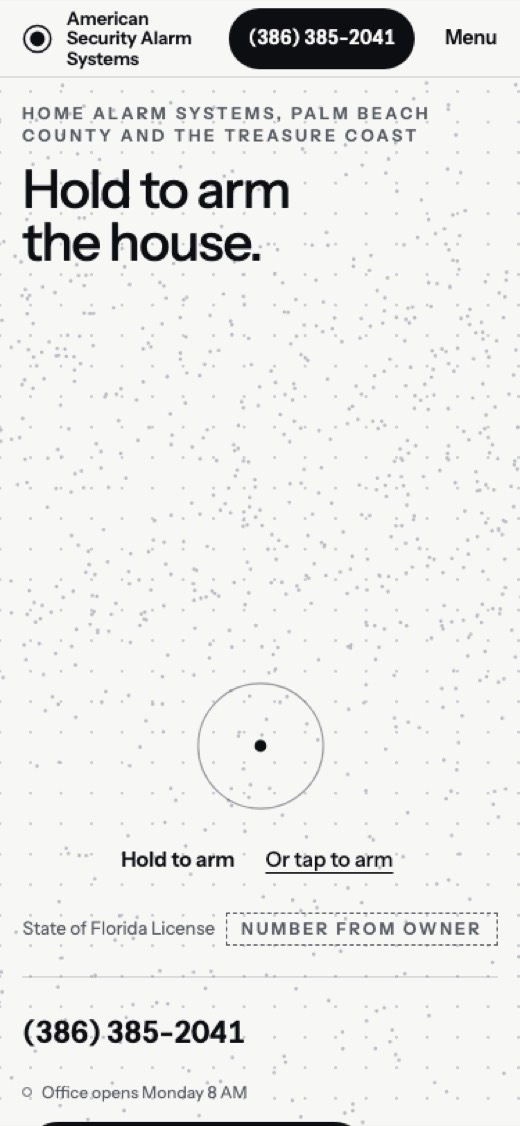
A field of loose dots drifts over a paper page until you press and hold the arm button: the dots pull into the plan of a house, each opening locks, the whole page floods to ink and the words 'Armed. Away.' set in dot type.
Try it: Press and hold the arm button.